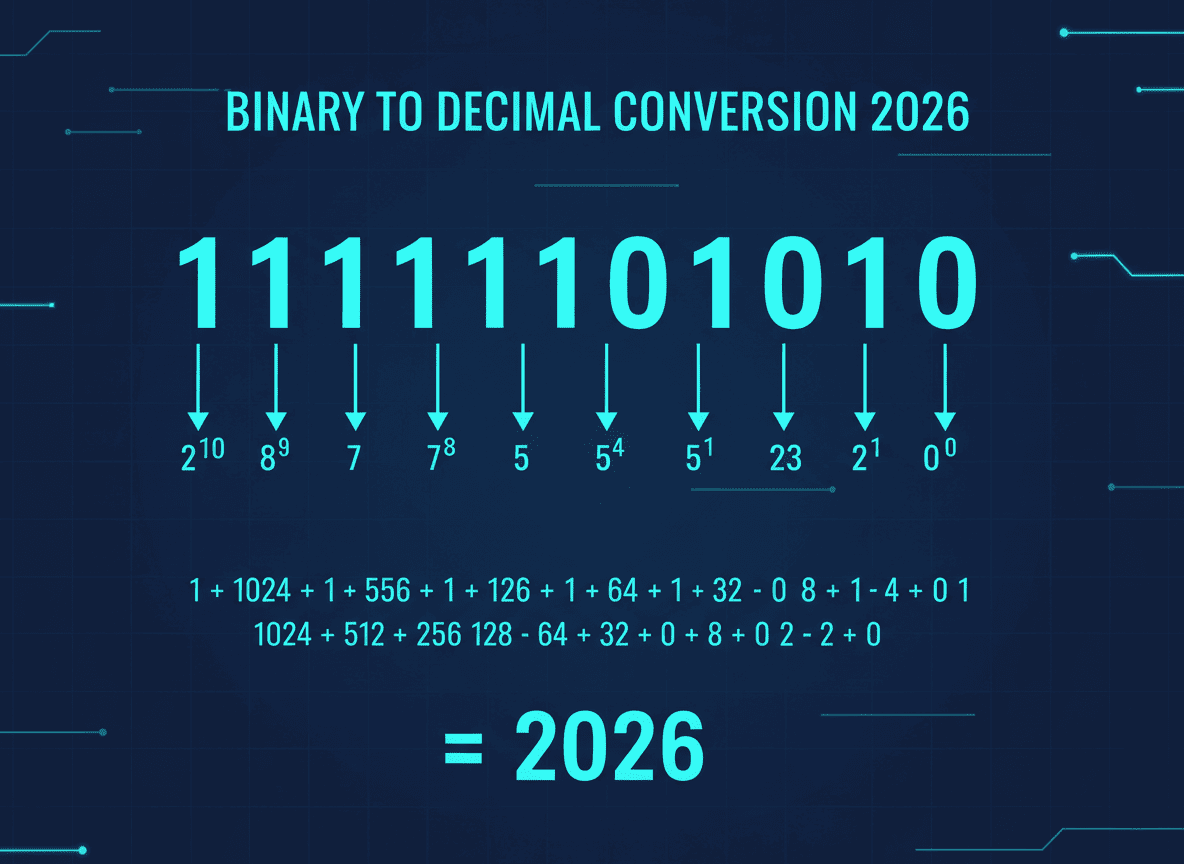
Step-by-Step: Convert Binary to Decimal 2026
Effortlessly convert binary to decimal online in 2026. Learn easy steps, avoid common pitfalls, and boost your skills with this beginner-friendly guide.
The digital world runs on binary, the language of 0s and 1s, yet comprehending it in everyday terms often requires conversion to decimal. If you're new to this, you're not alone. In 2026, mastering this conversion is more crucial than ever. Whether you're debugging code, analyzing data, or just getting started with programming, knowing how to convert binary to decimal is a foundational skill that enhances your technical fluency and problem-solving capability.
Understanding Binary and Decimal Systems
What is Binary?
Binary is the base-2 numeral system, using only two digits: 0 and 1. It's the simplest form of data representation in computers and forms the basis of digital computing.
Decimal System Basics
In contrast, the decimal system is base-10, employing ten digits from 0 to 9. It's the numerical system most familiar to us in daily life.
Importance of Conversion
Converting between these systems allows easier human interpretation and manipulation of binary data, essential for debugging and developing software.
How to Convert Binary to Decimal: A Simple Process
- List the Binary Digits - Write down the binary number and assign powers of 2 to each digit, starting from 0 on the right.
- Calculate Each Position - Multiply each binary digit by its corresponding power of 2.
- Sum the Results - Add up all the values from step 2 to get the decimal equivalent.
Example: Convert binary 1101 to decimal:
- 1 × 2^3 = 8
- 1 × 2^2 = 4
- 0 × 2^1 = 0
- 1 × 2^0 = 1
- Sum = 8 + 4 + 0 + 1 = 13
Common Mistakes to Avoid
- Ignoring Leading Zeros: Treat them as placeholders, not part of the number.
- Misaligning Powers of 2: Start from the rightmost digit with power 0.
- Overlooking Overflow Errors: Larger binaries can cause overflow in some systems.
Best Practices for Accurate Conversion
- Double-Check Your Work: A simple mistake in multiplication or addition can yield incorrect results.
- Use Online Tools for Verification: Free tools like those on SimpleCyto can quickly verify conversions.
- Understand the Theory: Knowing why each digit is multiplied by powers of 2 helps avoid rote mistakes.
Real-World Example: Debugging with Conversion
Imagine you're debugging a microcontroller that outputs data in binary. Understanding how to convert this data to decimal can significantly speed up troubleshooting. Without this skill, identifying errors in sensor readings or communication protocols becomes daunting.
Weak vs. Strong Approach
- Weak: Guessing or repeatedly converting manually without understanding.
- Strong: Efficiently using tools and your knowledge to verify results.
Frequently Asked Questions
Why is binary important in computing?
Binary is the fundamental language of computers. It's used because electronic devices can easily represent two states, on and off, corresponding to 1 and 0.
Can I convert binary to decimal without a calculator?
Yes, by using the step-by-step method described, you can convert manually with practice.
What are some reliable online tools for conversion?
SimpleCyto offers a range of free tools that can assist with binary to decimal conversions and other developer tasks.
How can I avoid mistakes in conversion?
Carefully follow the conversion steps, use verification tools, and understand the theory behind the process.
Are there shortcuts to learn binary-decimal conversion?
Understanding binary arithmetic and patterns can speed up the conversion process over time.
Final Thoughts
Mastering binary to decimal conversion empowers you in various tech fields, from software development to network management. Start practicing today, and soon, this will become second nature. Equip yourself with reliable online tools and keep honing your skills for an efficient and error-free workflow.
