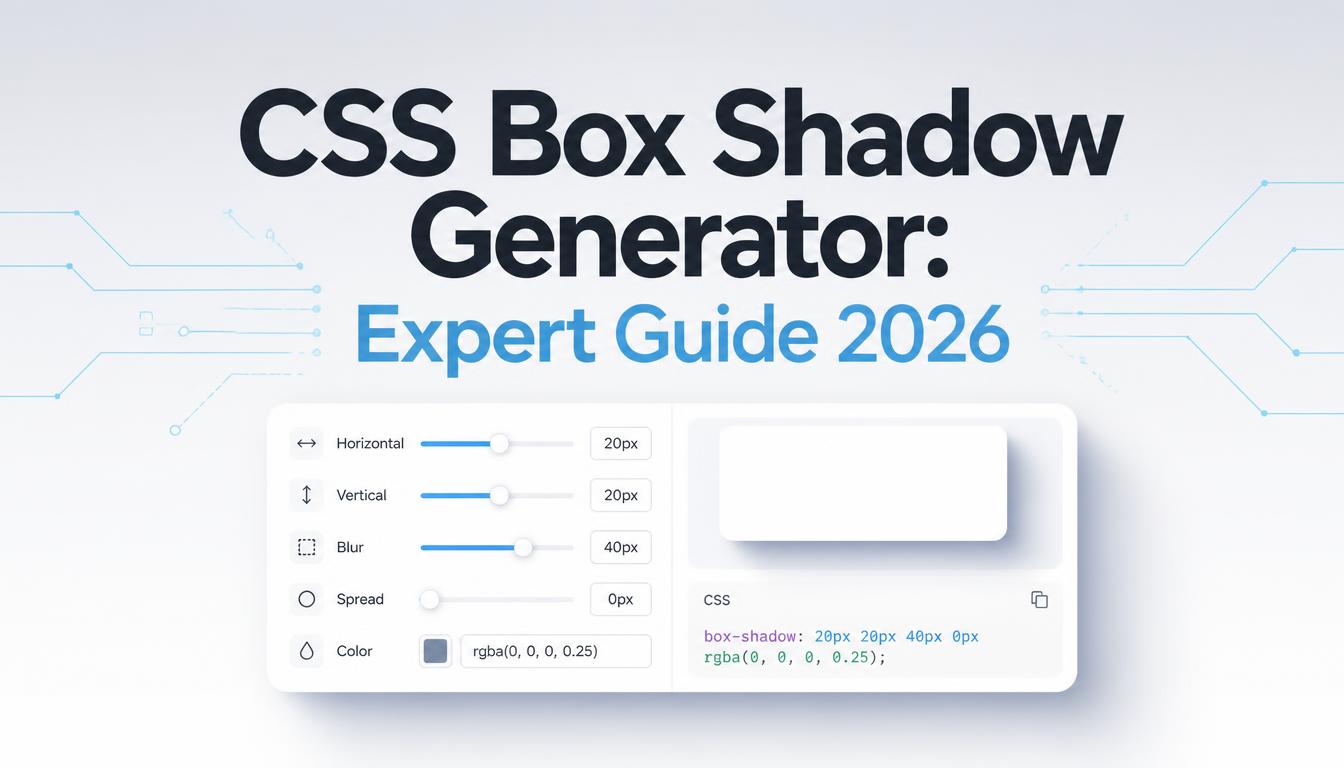
Use a CSS Box Shadow Generator: Expert Guide 2026
Discover how to use a CSS box shadow generator effectively. Create stunning web designs with expert tips and avoid common pitfalls.
Creating visually appealing web designs is a crucial skill in 2026. The right use of CSS box shadows can elevate your design, adding depth and dimension to otherwise flat elements. Understanding how to use a CSS Box Shadow Generator online can save time and enhance your creative output significantly.
The Power of Box Shadows in Modern Web Design
Box shadows in CSS provide a way to add visual cues and depth to elements, making them stand out. This technique is vital in today's design landscape where minimalism and flat design dominate. A subtle shadow can make a button more enticing or give a card-like effect to information snippets.
Consider this: According to a recent survey, 72% of web designers say that effective use of shadows can increase user engagement by making elements more distinguishable. Knowing how to generate and apply these shadows can make a noticeable difference in the overall aesthetic and usability of your design.
How to Use an Online CSS Box Shadow Generator
Finding the right balance in your box shadows can be challenging. Here's how you can simplify the process with an online generator:
- Select a Reliable Tool: Start by choosing a reliable CSS box shadow generator. SimpleCyto offers a free tool that provides intuitive controls and real-time previews.
- Define Your Element: Identify the element you want to enhance with a shadow. It could be a button, an image, or a card.
- Adjust Shadow Properties: Use the generator to adjust properties such as offset, blur, spread, and color. Experiment with different settings to see what works best for your design.
- Preview and Refine: Take advantage of the instant preview feature to see the impact of your changes. Refine the settings until you're satisfied with the effect.
- Export the CSS Code: Once you're happy with the shadow effect, export the generated CSS code and implement it into your stylesheet.
Common Mistakes to Avoid
Even experienced designers can fall into these common traps:
- Overusing Shadows: Too many shadows can clutter your design and reduce clarity. Stick to 1-2 shadows per element.
- Poor Contrast: Ensure that shadows complement the background and the element’s color scheme. Mismatched hues can make the shadow look unnatural.
- Ignoring Performance: Excessive or complex shadows can affect page load times. Optimize by using simpler shadows when possible.
Best Practices for Effective Shadow Use
To make the most of your box shadows, follow these best practices:
- Minimalism for Impact: Use subtle shadows to create a natural look.
- Consistency Across Elements: Maintain a consistent shadow style throughout your design to enhance visual coherence.
- Utilize Soft Shadows: Soft shadows add a gentle touch, making elements appear more approachable.
Here’s a quick checklist:
| Best Practice | Description |
|---|---|
| Subtlety | Keeps design elegant and professional |
| Consistency | Ensures cohesive look across all elements |
| Performance Optimization | Balances aesthetics with load efficiency |
Real-World Example: Transforming a Button
Let's look at a real-world example. Consider a basic button that you want to make more engaging. Initially, the button is flat, blending in with the rest of the page.
- Before: A simple button with a color that matches the background.
- After: By adding a subtle shadow using a CSS box shadow generator, the button now has a three-dimensional look, making it more enticing to click.
Here's the transformation:
/* Before */
.button {
  background-color: #007BFF;
  border: none;
  color: white;
  padding: 10px 20px;
}

/* After */
.button {
  background-color: #007BFF;
  border: none;
  color: white;
  padding: 10px 20px;
  box-shadow: 2px 2px 5px rgba(0, 0, 0, 0.3);
}
Frequently Asked Questions
How do I choose the right shadow color?
Opt for colors that contrast yet complement the element's color. A common approach is using darker shades of the element’s color for a natural shadow effect.
Can box shadows impact performance?
Yes, especially on resource-limited devices. Stick to simpler shadows to minimize performance hits.
Are there alternatives to box shadows for depth?
Yes, other techniques include using gradients or layering elements. However, box shadows remain one of the simplest and most effective methods.
Can I use box shadows in responsive designs?
Absolutely. Ensure your shadow settings adapt to different screen sizes and orientations to maintain design integrity.
Final Thoughts
Mastering the use of CSS box shadows is essential for any modern web designer. By leveraging an online CSS box shadow generator, you can create dynamic, engaging designs quickly and efficiently. Explore SimpleCyto’s free tools to enhance your design process and make your web projects stand out.
